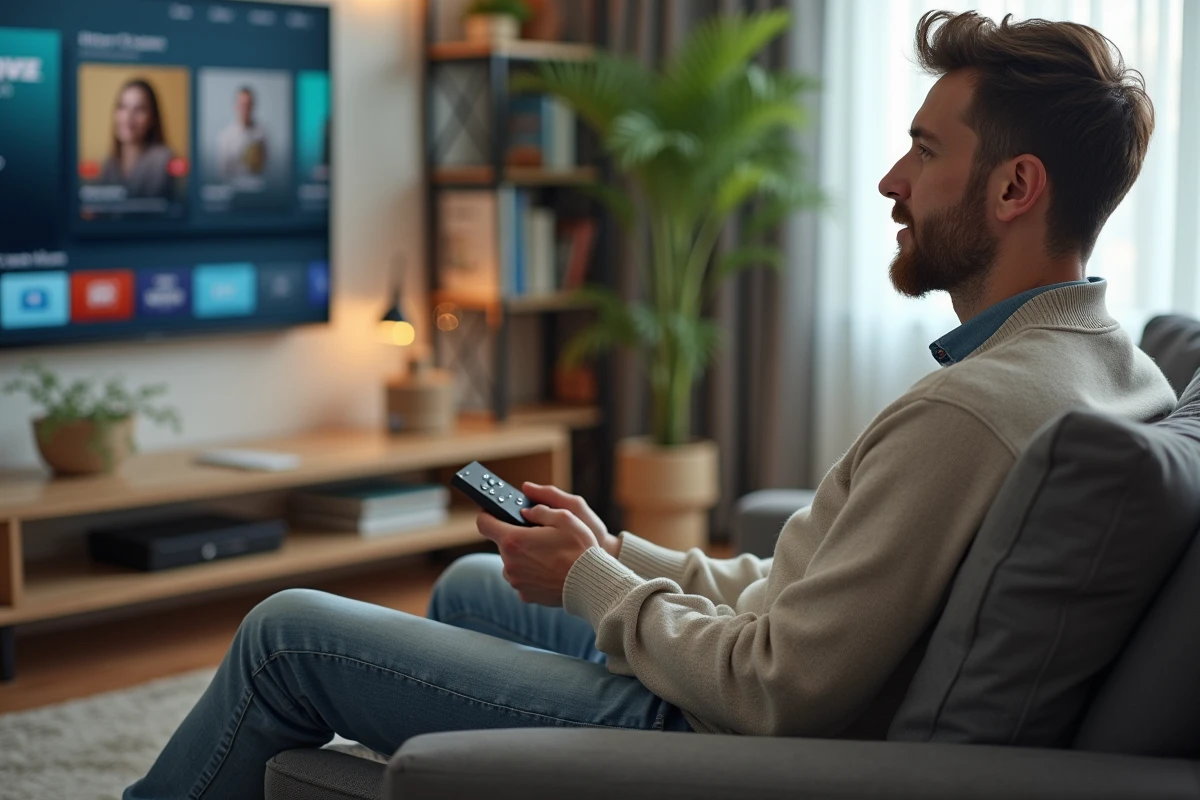
Unable to receive digital terrestrial television with just a simple piece of plastic plugged into the back of the TV? Yet, the Mi TV Stick rises to this challenge where others stumble. While it does not offer native terrestrial reception, there are indeed backdoors to enjoy French channels, without a decoder and without a paid subscription. This is the realm of ingenuity and tricks that we will explore.
Why the Mi TV Stick is ideal for watching digital terrestrial television without a decoder
The Mi TV Stick transforms any television into a smart TV, without going through a box or a triple play offer. This small, discreet device plugs into the HDMI port, connects to the home network, whether ADSL or fiber, and opens the door to a whole universe of applications. Thanks to Android, you can easily navigate between streaming platforms, live channels, or replay programs, including the famous French TNT channels.
Installation requires no special skills. You configure, connect, and immediately the Android TV interface appears on the screen. The Chromecast compatibility adds another advantage: streaming content from a smartphone or computer becomes a breeze. The result: you benefit from a smooth and intuitive access, whether you are a fan of linear television or IPTV services.
Easily access TNT channels, allowing you to find all French programs on any TV equipped with an HDMI port, without the burden of a decoder or operator box. As long as the internet connection is adequate, this solution stands out as a modern alternative to traditional television: flexible, without commitment, and perfectly suited to daily use.
Which free applications to choose to access live TV channels
The Google Play Store is full of free applications that can open access to French TNT channels on the Mi TV Stick, without subscription or additional equipment. Amidst this abundance, it is important to identify reliable applications that are suitable for Android TV.
Among the most popular, Molotov stands out for its immediate usability and rich catalog: most national and regional channels are accessible for free. The interface, designed for TV format, makes it easy to access live broadcasts, replay, and even create favorite lists. A few minutes are enough to install it from the Play Store and enjoy broadcasting on the big screen, including via Chromecast.
Subscribers to certain internet offers can also use the official applications of their service provider: these often allow access to the entire bouquet of their offer, after identification. However, be careful, the availability of all channels depends on broadcasting agreements and may vary from one operator to another.
There are also lesser-known solutions on Android TV to access live streams. Before diving in, one piece of advice: choose well-rated applications that are regularly updated on the Play Store, to avoid unpleasant surprises or security issues.
Here are the criteria to review when choosing the application that suits your needs:
- Free applications: prioritize those that are truly designed for Android TV and that support Chromecast.
- Free version channels: check the list of channels offered at no extra cost.
- Replay: some applications allow easy re-watching of series and movies, a real plus for extending the experience.
Practical tips for a smooth and hassle-free TV experience on your Mi TV Stick
A few adjustments are enough to transform your TV experience. First, the quality of the network: to avoid interruptions or pixelation, prefer the 5 GHz wifi, which is far superior to 2.4 GHz in apartments crowded with signals. This fast connection ensures a clear image when streaming TNT channels.
To send content from a smartphone or computer to the television, take advantage of the integrated Chromecast. Start a video, select the cast icon, and the image appears instantly on the big screen, without complex manipulations.
Apple users also have specific applications to connect their ecosystem to the Mi TV Stick. Android users benefit from native compatibility with many screen-sharing tools. Regardless of the ecosystem, streaming remains simple and fast.
To keep your device performing well and responsive, consider applying these tips:
- Allow updates to install as soon as they are available: they enhance the stability and security of your Mi TV Stick.
- Monitor the condition of the HDMI port and power supply: a poorly connected cable often causes interruptions in image or sound.
- Use a laptop or tablet to control playback remotely, or to access streams via VLC, a reliable player for watching television over the network.
The most meticulous users also adjust the audio to their liking: soundbars, Bluetooth headphones, or built-in speakers, the Mi TV Stick adapts to every setup. Whether for live or replay, it proves to be a versatile ally for rediscovering the pleasure of connected television, accessible and always at hand.